The module store, in your back-office
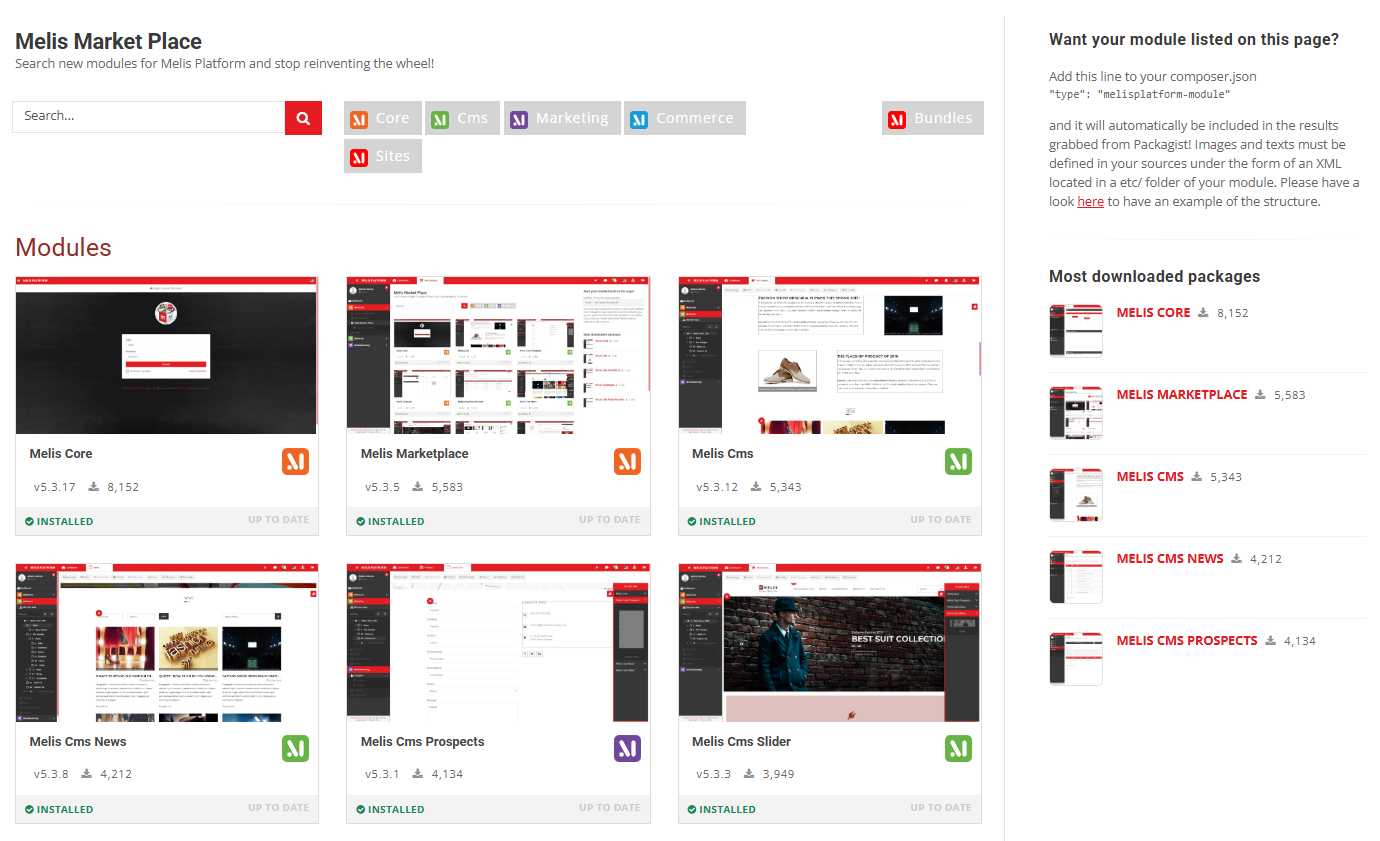
Browse every Melis Platform module, see whether each is up to date, and download, update or remove them — and install site products — without ever leaving the back-office.
Package
Role
Back-office
Source
Actions
Depends on
Overview
An app store for the platform
Marketplace lists every official Melis module (and any published as Melis packages) from the Melis Packagist server, grouped and searchable. For each module it shows whether your installed version is up to date, and lets you act on it directly.
It drives MelisComposerDeploy to run Composer and MelisDbDeploy to apply migrations under the hood. The six foundation modules are protected — they can’t be downloaded or removed from the store; Composer manages them at project level.
Key features
Manage every module from one place
Browse, check, install, update or remove — the whole catalogue, right inside the back-office.
Module catalogue
Every official Melis module from Melis Packagist, grouped and searchable.
Up-to-date checker
See at a glance whether your installed version is current.
Download a module
Fetch a module you don’t have yet; it’s plugged in automatically.
Update / remove
Update to the latest version or remove a module in a click.
Install site products
Spin up ready-made site products from the store.
Protected foundation
Core foundation modules can’t be removed — managed by Composer at project level.
See it in action
Open a module, act on it
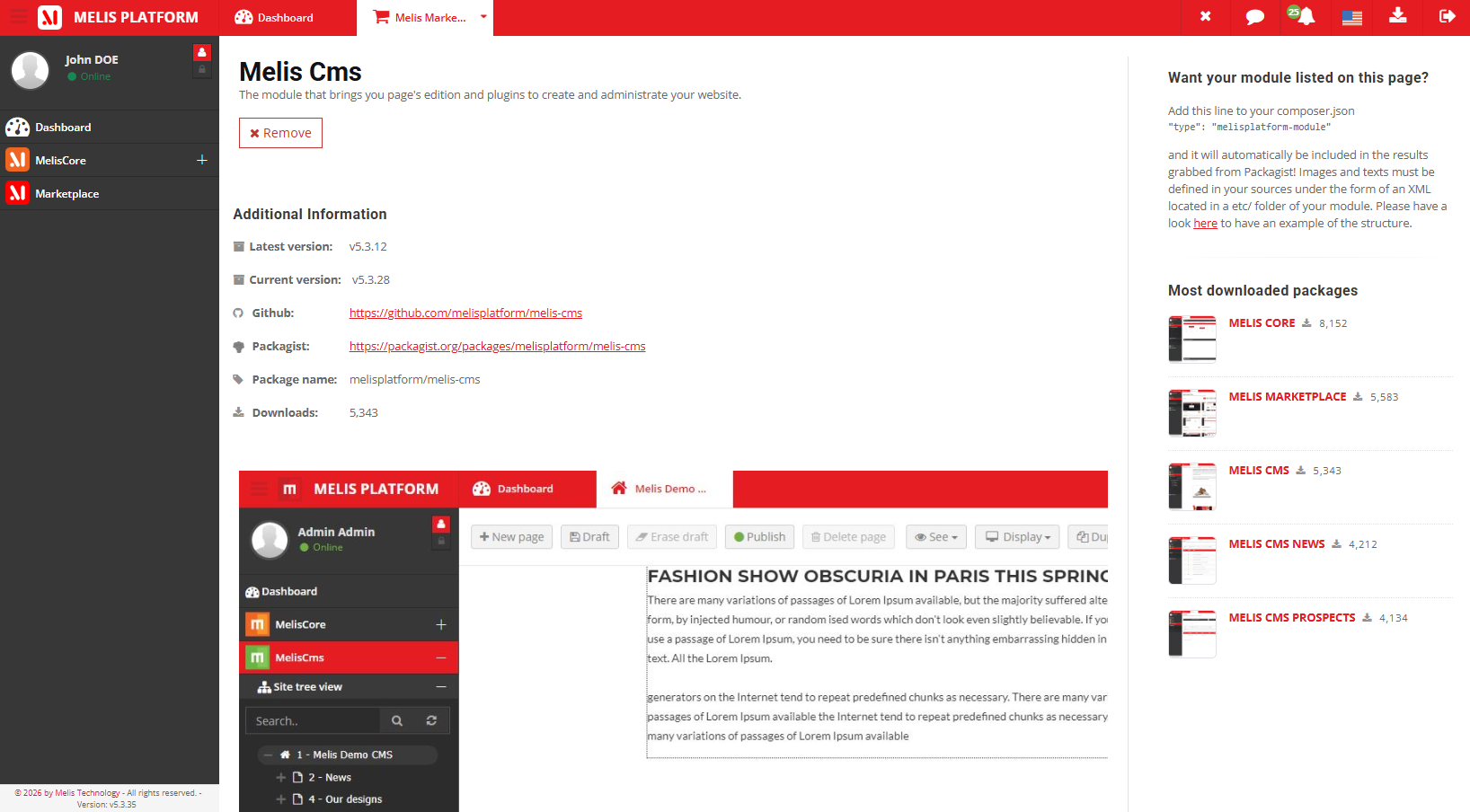
Every module has a product view with its version and a one-click action.
Version at a glance
Open a module to see its latest versus current version, homepage and package name — and act on it directly.
- Latest vs current version
- One-click download / update
- Foundation modules protected
For developers
How it's wired
Drives the deploy tools
Calls MelisComposerService download / update / remove, then execDbDeploy for new tables.
Reads versions
Installed versions and the active-module list come from MelisAssetManagerModulesService.
Core-category tool
A back-office tool on the platform foundation; requires Melis Core.
// Marketplace drives the deploy machinery under the hood:
$composer = $sm->get('MelisComposerService');
$composer->download($packageName);   // then execDbDeploy() for new tables
Part of the foundation
Explore the rest of the ecosystem
Marketplace ties into the platform foundation and the modules it can install.
Manage modules without the CLI
See the module store in a live back-office.
