Turn a page into an email campaign
Mark a CMS page as a newsletter, personalise it with BB codes, test it, then send it to your subscribers and groups — with full history, one-click unsubscribe and GDPR built in.
Package
Group
Newsletter
Personalise
GDPR
Depends on
Overview
Email, the CMS way
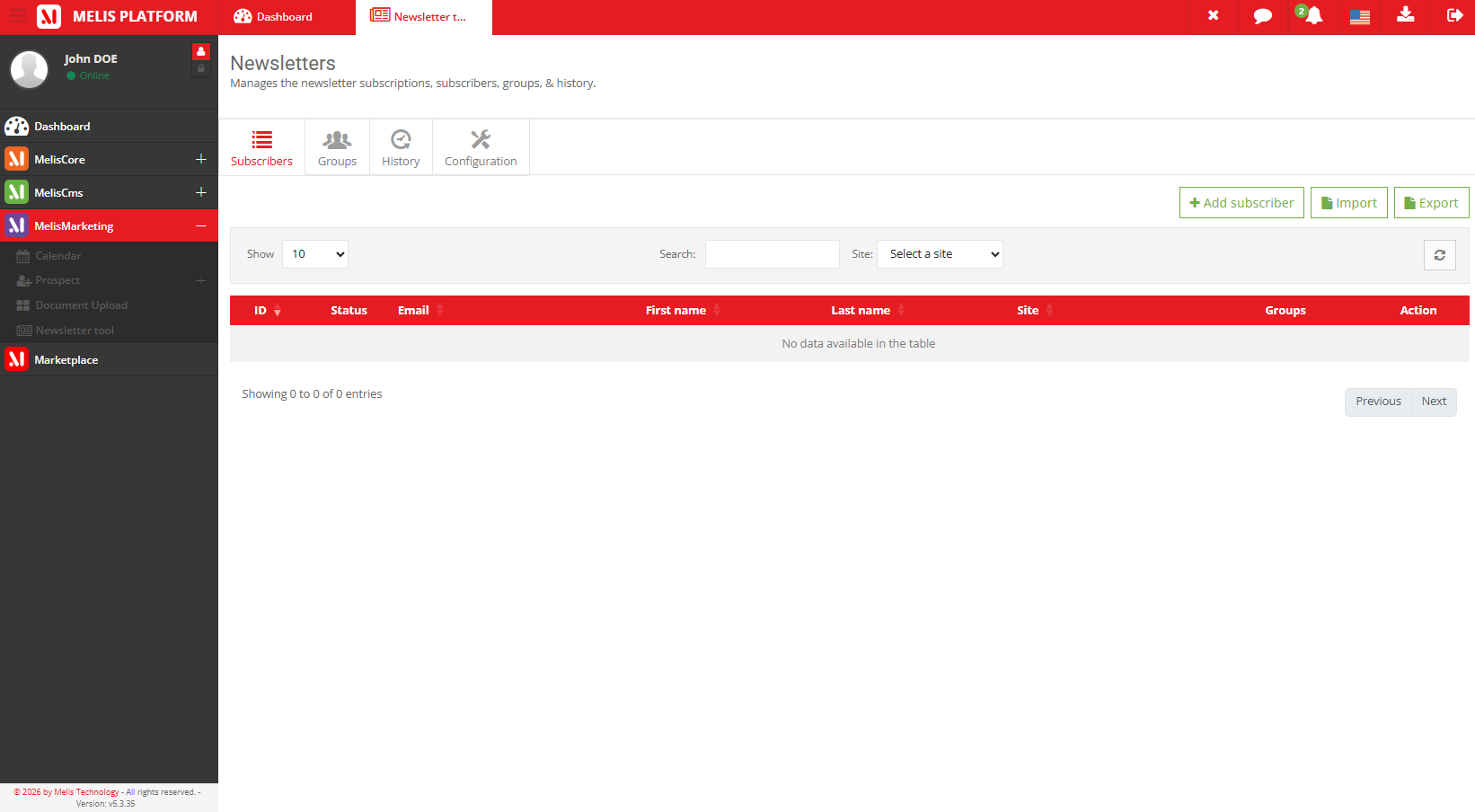
Build subscriber lists (active / inactive) and organise them into groups. A newsletter is simply a CMS page flagged NEWSLETTER — design it like any page, dropping personalisation BB codes ([NAME], [FIRSTNAME], [EMAIL], [UNSUBSCRIBELINK]) where each recipient’s value should appear.
You must test a newsletter before the Send button unlocks; then send to chosen subscribers and/or groups. Every send is archived, an unsubscribe plugin handles opt-outs, and the platform’s GDPR framework is wired in end-to-end.
Key features
From subscriber list to inbox
Lists, personalisation, testing, history and opt-outs — everything an email campaign needs.
Subscribers & groups
Per-site lists with CSV import/export; a subscriber can belong to several groups.
A newsletter is a CMS page
Flag a page NEWSLETTER and design it exactly like any other page.
Personalisation BB codes
[NAME], [FIRSTNAME], [EMAIL], [UNSUBSCRIBELINK] filled per recipient.
Test → Send
Test first; the Send button then unlocks for chosen subscribers and groups.
Send history
An archive of every send: view the exact content and export recipients as CSV.
Unsubscribe & GDPR
A one-click unsubscribe plugin, plus data-subject requests and auto-deletion of stale subscribers.
See it in action
Every send, in one place
The history keeps a full record of what was sent and to whom.
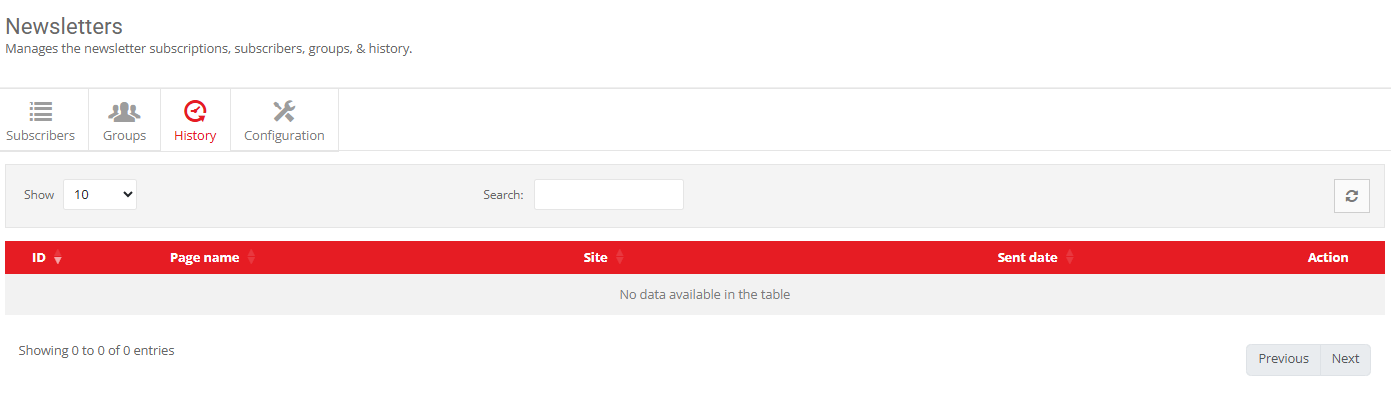
Every send, archived
The history keeps each send — see the exact HTML that went out and export the recipient list as a CSV.
- View what was sent
- Export recipients (CSV)
- One-click unsubscribe page
For developers
How it's wired
Reuses the CMS page system
The newsletter template is a CMS page; the front render becomes the email body.
Core email + GDPR
Sends through Melis Core email and hooks the platform GDPR framework (info / extract / delete + auto-delete).
Your own SMTP
Set Host / Username / Password in Configuration, otherwise the platform default is used.
// A page becomes a newsletter when its type is NEWSLETTER.
// The front renders it as the email body, BB codes resolved
// per recipient:  [NAME] [FIRSTNAME] [EMAIL] [UNSUBSCRIBELINK]
Part of the platform
Explore the rest of the toolbox
Newsletter is one of the Melis modules — here are some it works with.
Reach your audience by email
See the newsletter tool in a live back-office.
