Beautiful carousels, built in the back-office
Build named sliders from ordered slides — image, title, subtitles and link — reorder them by drag & drop, and drop a Show Slider block onto any page to display one.
Part of
Type
Back-office
Scope
Display
Depends on
Overview
Carousels, the easy way
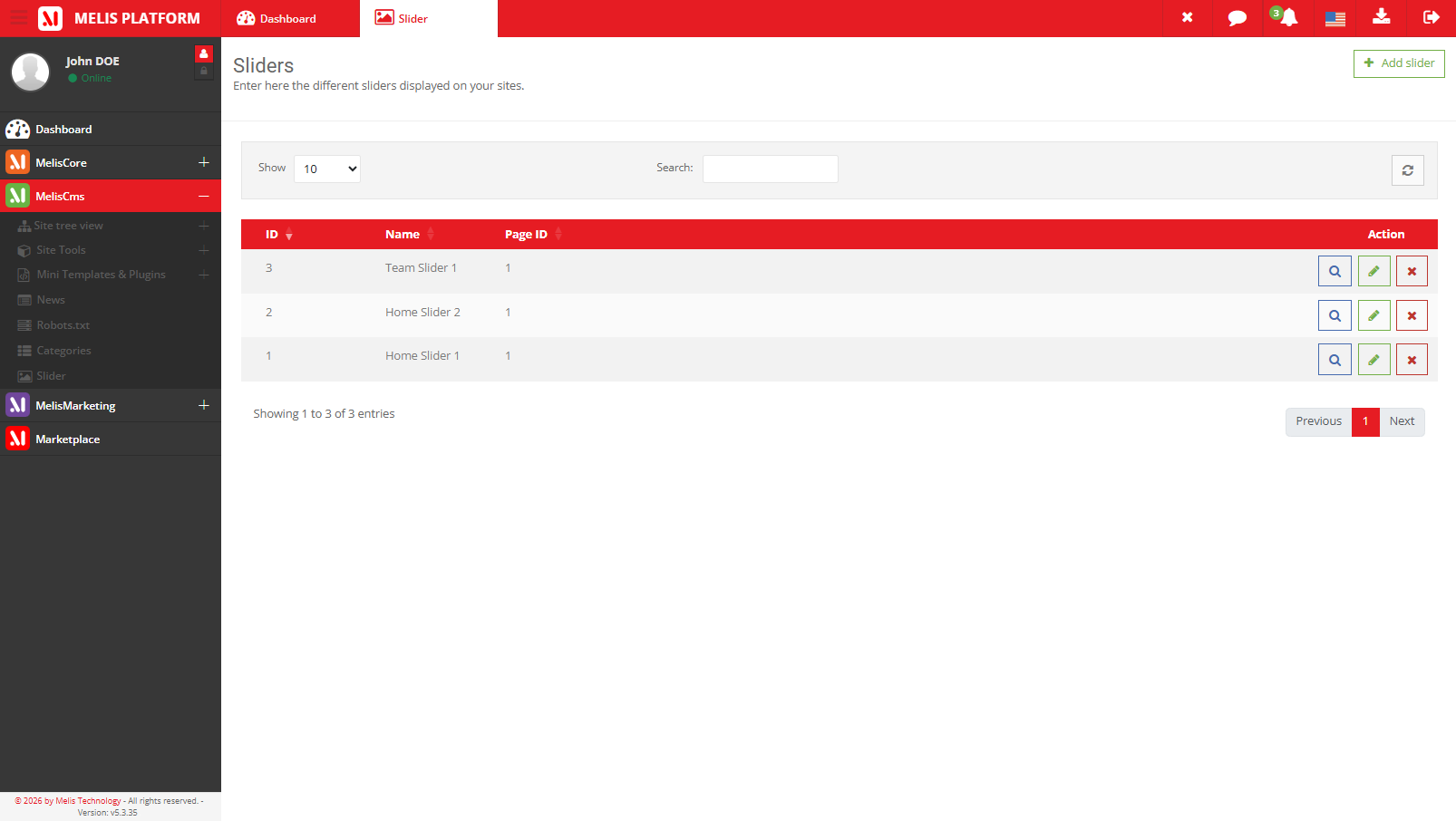
A slider is a named carousel; each slide carries an image, a title, up to three subtitles, a link and a position. Sliders are global — they aren't tied to one site — and can optionally link to a page.
The tool is a three-level drill-down — sliders → a slider's slides → a slide. It also exposes a reusable slider picker that other modules (News, Blog) embed.
Key features
Everything a carousel needs
Named sliders, rich slides and one block to show them — reused across every page.
Named sliders
Each slider is a named carousel you reuse across pages.
Rich slides
Image, title, up to three subtitles and a link, per slide.
Drag to reorder
Reorder slides by drag and drop, and toggle each on or off.
Show Slider block
Drop the block on a page and pick which slider to display.
Global, optionally page-linked
Sliders live platform-wide and can attach to a landing page.
Reusable picker
Other modules (News, Blog) embed the same slider picker.
See it in action
Slides, managed in place
Open a slider, build its slides and put them in the order you want.
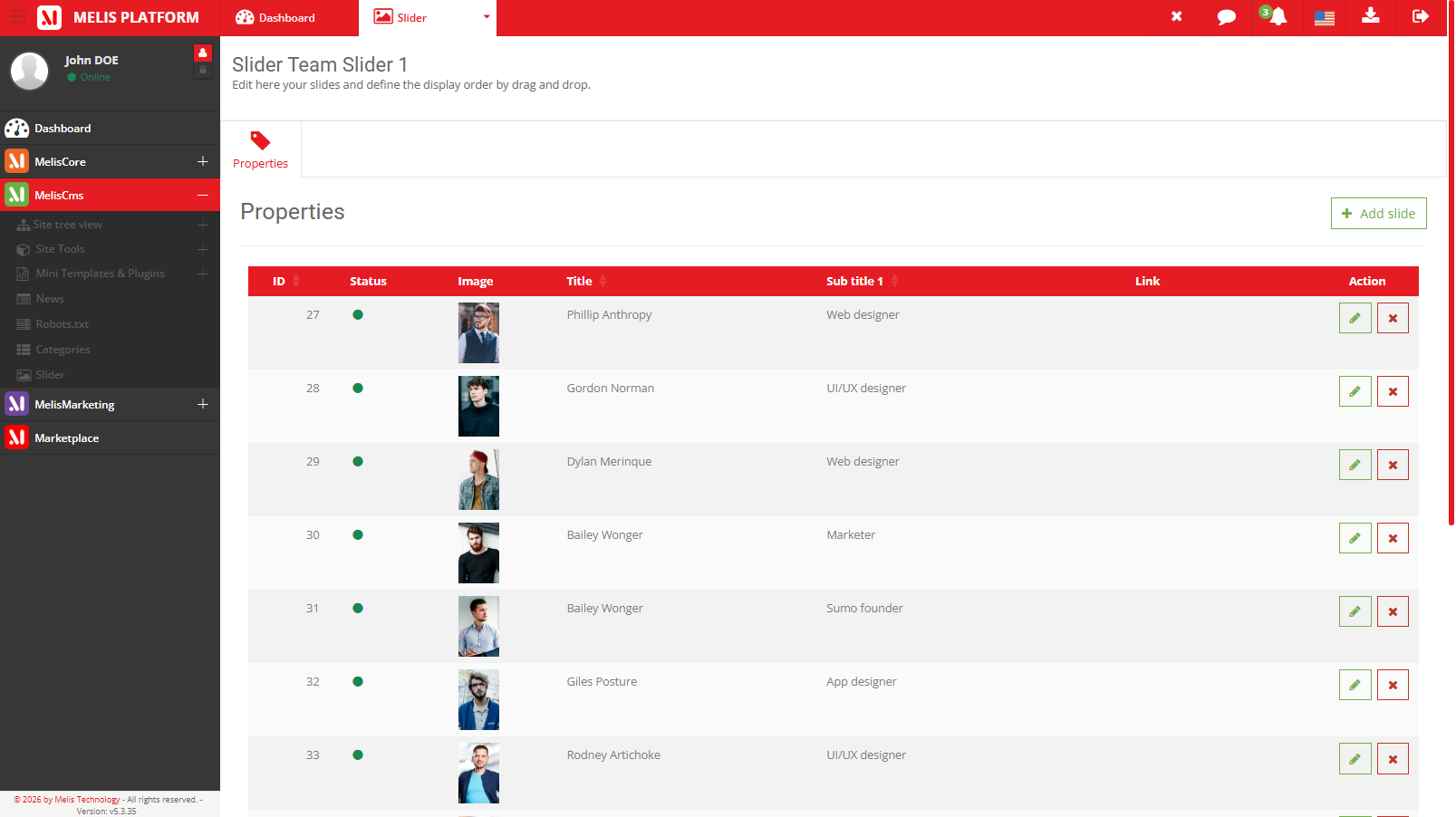
Slides, in order
Open a slider to manage its slides — add one, reorder by drag, toggle it on or off.
- Image + title + 3 subtitles + link
- Drag to reorder
- Turn a slide on or off
For developers
How it's wired
A content block
The Show Slider block extends MelisEngine's MelisTemplatingPlugin — front() renders, back() edits.
Reusable picker
Other modules embed the slider picker to attach a slider to their records.
Installed via DbDeploy
The melis_cms_slider_* tables install through DbDeploy.
// Show Slider is a templating plugin that renders the chosen slider:
class ShowSliderPlugin extends MelisTemplatingPlugin {
    public function front() { /* render the selected slider */ }
}
Part of Melis CMS
Explore the rest of the toolbox
Sliders are one of the CMS content modules — here are the others.
Add a slider to your pages
See the slider tool in a live back-office.
