Create & run whole websites
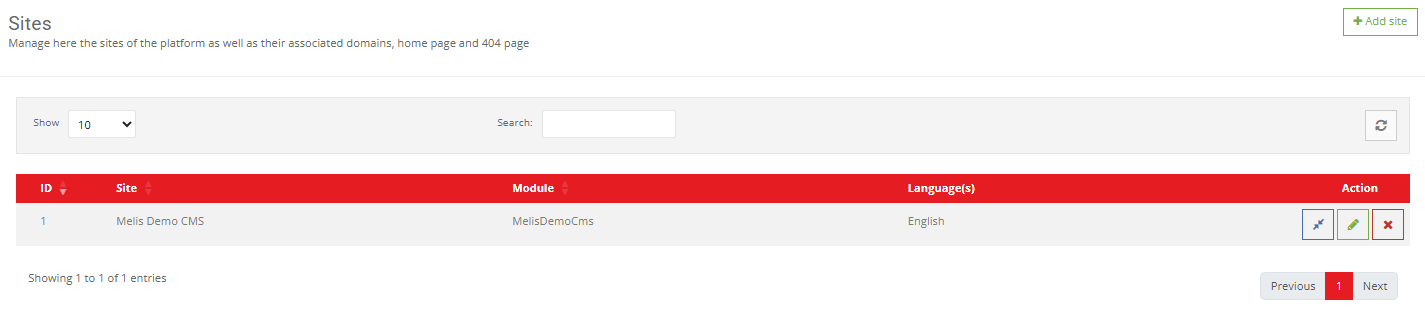
A site is one entire website — its name, the domains it answers on, the languages it offers, the modules it runs and its global settings. The Sites tool is where all of that lives.
Part of
Type
Back-office
Create
Domains
Settings
Overview
One website, end to end
The Sites tool is where you create a new website, or change anything that applies to a whole site rather than a single page — its identity, the web addresses it answers on, the languages it offers, and which features are switched on.
It's also home to the per-site settings templates and modules rely on: key/value Site config and the Translations that supply on-screen wording per language.
Key features
Everything that defines a website
Identity, addresses, languages and features — managed in one place, per site.
5-step site wizard
Name it, pick a theme, attach domains, choose languages, confirm — and the site, its home page and base config are created.
Domains, per environment
A site can answer on several domains, with different domains on dev and production. This is how Melis knows which site to serve.
Module loading
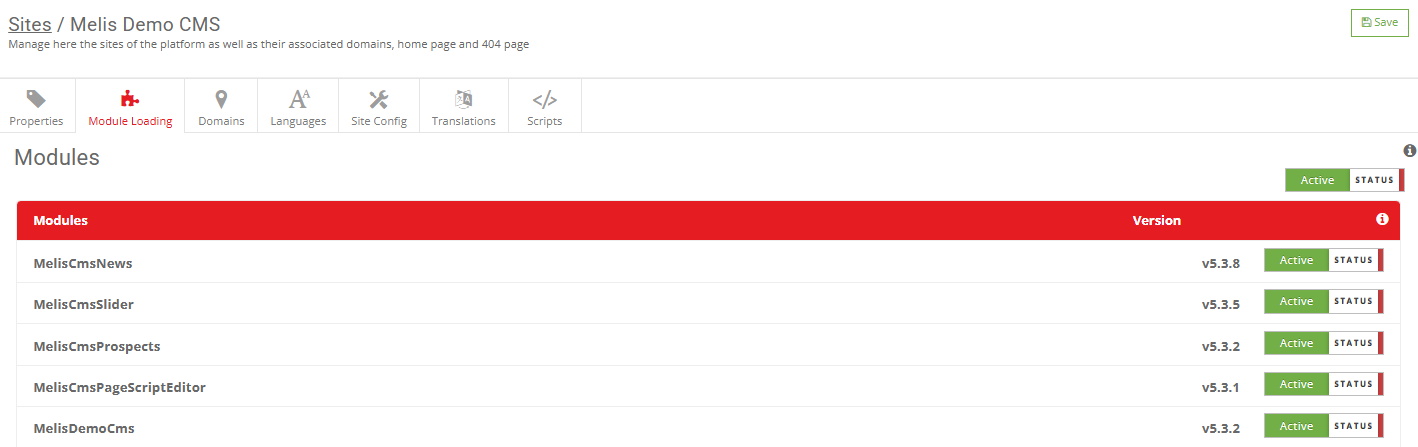
Switch features (News, Slider, custom modules) on or off per site — the usual fix for ‘why doesn’t my feature appear?’.
Site config
Site-wide key/value settings — analytics id, contact email, API keys — read by templates via the SiteConfig helper, no hard-coding.
Translations
On-screen text strings per language, printed by templates via siteTranslate, kept separate from page content.
Home & 404 pages
Set the page shown at the root ‘/’ and the custom 404 visitors see when a URL doesn’t exist.
See it in action
Turn features on, per site
Each module becomes available on a site the moment you load it here.
Turn features on, per site
Each module only works on a site once it’s loaded here — toggle it on, save, and its plugins and tools become available.
- Load a module on a site
- Bind a domain per environment
- Store a per-site setting
For developers
How it's wired
Many controllers
SitesController plus Sites{Properties,Domains,Languages,Translation,Config,ModuleLoader}Controller drive each tab.
Services
MelisCmsSiteService, MelisCmsSiteModuleLoadService, MelisCmsSitesDomainsService, MelisCmsSitesPropertiesService.
Read site data
Resolve a site from a domain via MelisEngineSiteService — cached, like the rest of the engine.
// Resolve the site serving a domain:
$siteSvc = $sm->get('MelisEngineSiteService');
$site = $siteSvc->getSiteDataByDomain('www.example.com');

// In a template, read a per-site setting:
$this->SiteConfig('default_lang_id');   // e.g. 2 = FR
Part of Melis CMS
Explore the rest of the toolbox
Sites are one of the CMS back-office tools — here are the others.
Launch your next website
See how fast a site comes together in a live back-office.
