Page styling, without touching code
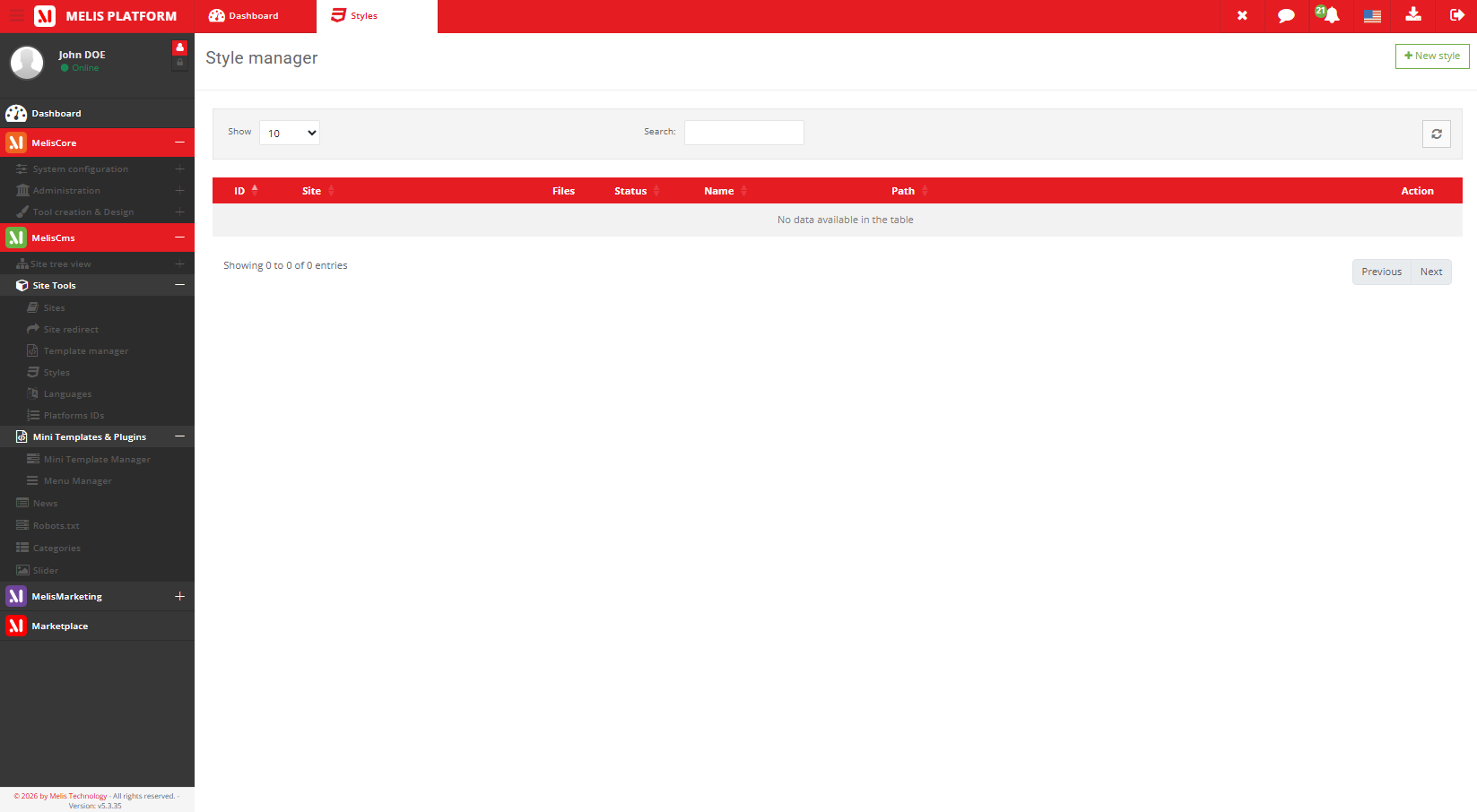
Styles are CSS stylesheets you register once and attach to pages from their Properties — change fonts, colours and spacing without editing code.
Part of
Type
Back-office
Manages
Attach
Where
Overview
A library of stylesheets
Instead of editing code, you register a style here — a name and its CSS path or source — then assign it to a page from the page’s Properties tab.
Styles are reusable: update one centrally and every page that uses it follows.
Key features
Styling your pages, the easy way
Register a stylesheet once, attach it where you need it, update it centrally.
CSS library
A managed list of stylesheets available to your pages.
Register name + source
Give a style a name and its CSS path or inline source.
Attach per page
Assign a style to a page from its Properties — no developer needed.
No code editing
Change appearance without touching the codebase.
Reused across pages
One style, many pages; update once.
Pairs with templates
Templates define structure, styles define appearance.
See it in action
From the library to the page
Register a stylesheet, then attach it to any page from its Properties.
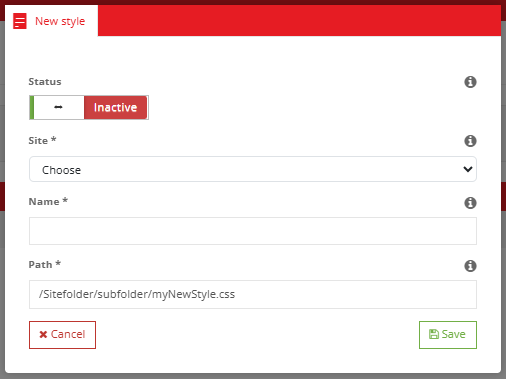
Register a style in seconds
Name the style, point it at its CSS, save — then attach it from any page’s Properties.
- Register a stylesheet
- Attach it to a page
- Update it centrally
For developers
How it's wired
Controller
ToolStyleController runs the style manager.
Form factory
MelisCmsStyleSelect lists styles in BO selects.
Engine service
MelisEngineStyle exposes page CSS, cached.
// Styles are exposed (cached) by the engine:
$styleSvc = $sm->get('MelisEngineStyle');

// A page references its style id in its properties;
// the front includes the stylesheet at render time.
Part of Melis CMS
Explore the rest of the toolbox
Styles are one of the CMS back-office tools — here are the others.
Style your pages, no code
See the style manager in a live back-office.
